A private tutor near home: how to find one by area and subject
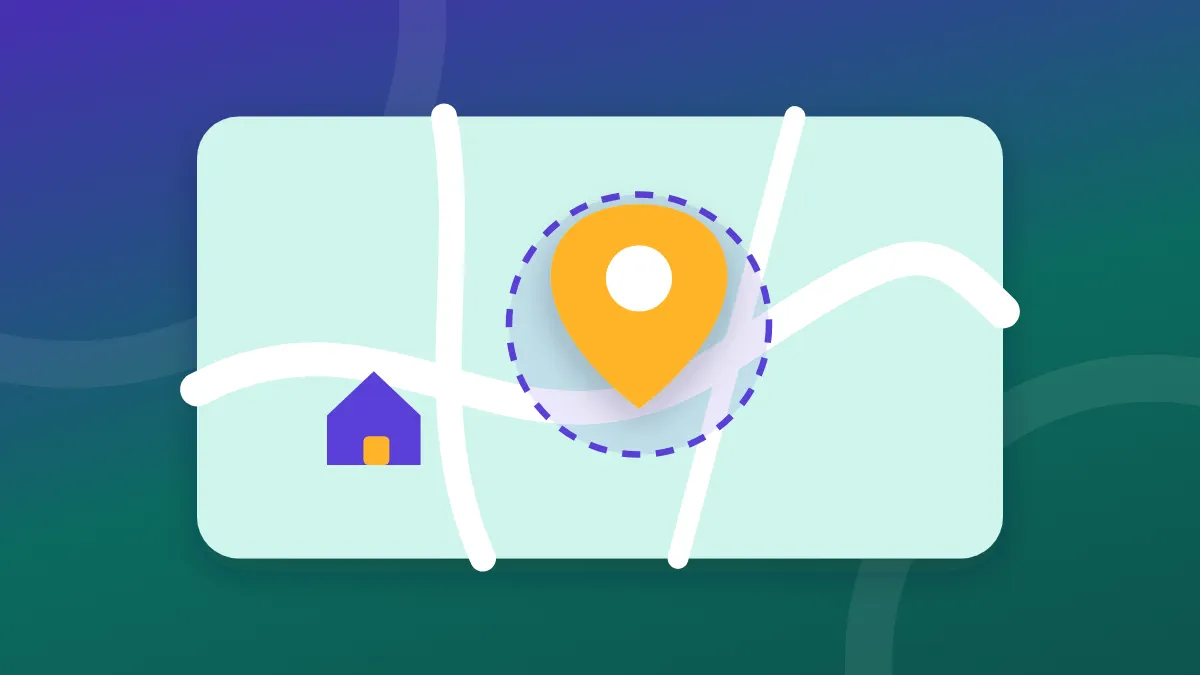
The short answer: to find a private tutor in your area, you search by address and subject and get a list of tutors who teach nearby, sorted from near to far. In Teaching's student portal you do it with no registration: an address, a subject, "Search", and a direct message to the tutor on WhatsApp.
A tutor close to home saves rides, allows a regular lesson in the middle of the week, and sometimes even comes to you. Here is how to search properly.
In person or online too
Before you search, it is worth deciding whether you are looking only for a face-to-face lesson.
- In person suits young children especially, students who find it hard to concentrate in front of a screen, and subjects where the tutor needs to see the page or the hands.
- Online opens a wider choice, because the tutor does not need to live nearby. It suits high school students, review before an exam and languages. More on this: private lessons online.
Many families start by searching in the area, and widen to online if there is no suitable tutor nearby.
It is also worth deciding what "near" means for you. A tutor 5-10 km away can be ten minutes by car at one hour and half an hour at another. If the child comes alone, on foot or by bus, a tutor within 2 km or 2-5 km is worth more than an excellent tutor on the other side of the city. If the tutor comes to you, the distance is mostly their problem, and it is worth asking whether there is a surcharge for it.
How the search works in Teaching's portal
- Go to teaching.co.il. At the top of the page: "Find a private tutor near you".
- Type an address or a city. There is autocomplete. Someone looking for a private tutor in Tel Aviv, for example, can type "1 Herzl Street, Tel Aviv", or only the name of the city. An exact address gives more accurate sorting by distance.
- Choose a subject, or leave "Any subject".
- Decide on "Also show online lessons". When the option is on, tutors who teach remotely and are outside the area also appear, after the nearby tutors.
- Press "Search".
What you see in the results
The results are sorted from near to far. You can switch between "Show as a list" and "Show on map". Each tutor card shows:
- A distance range: up to 2 km, 2-5, 5-10, 10-20 or over 20.
- A short headline that the tutor wrote, subjects and age groups.
- The area, a price range as a hint, and how the tutor teaches: online, at the student's home or at the tutor's.
- A rating from verified students, if there is one, and since which year the tutor has been in the portal.
Pressing the card opens the tutor's full page, with the "About me" text.
How to contact a tutor
The tutor's name, picture and phone are not shown up front. To contact them, you press "Reveal WhatsApp" or "Reveal phone" (and sometimes "Reveal email", if the tutor added one). You may be asked to wait a few seconds before the detail is revealed. After that you can open a WhatsApp chat with a ready message: "Hello, I found you on the students portal and I am interested in lessons".
A rating on a card comes only from a verified student: someone the tutor really taught, who received a personal link from the tutor to rate. Revealing a tutor's details does not lead to a rating, and you are not asked for an email.
What to write in the first message to the tutor
The ready message opens the conversation, but it is worth adding a few details already in the first message. A tutor who receives all the information can answer at once whether they are suitable, and not after five messages. For example:
Hello, I found you on the students portal. I am looking for a math tutor for my son, ninth grade, group A. He struggles mainly with algebra, and he has an exam in a month. We are in the Hadar neighbourhood. We prefer once a week in the afternoon, at our home. Does this suit you, and what is the price?
What is in this message: subject and grade, what the difficulty is, a target in time, area, frequency and preferred hours, and where the lesson is. If you contact several tutors at once, the same message works for all of them, and it is easy to compare the answers.
At the tutor's, at yours or online: what to check
On each tutor's card it says how they teach. For each option there is one question worth asking:
| Where the lesson is | What to ask |
|---|---|
| At the tutor's | Where exactly, whether there is a quiet place for the lesson, and who else is in the house |
| At yours | Whether there is a surcharge for travel, and what happens when the tutor is late because of traffic |
| Online | In which software, whether there is a shared board, and what the child needs to prepare |
In lessons at home, especially with young children, it is worth having an adult at home during the lesson, at least at the beginning.
Why you do not see a tutor's exact address
Many private tutors teach from home. The portal was built so that a tutor's exact address is never shown: not on the card, not on the map and not on the tutor's page. The distance too is not shown as an exact number but as a range, and it is calculated from a rounded point, so that it is not possible to locate a house from repeated searches from different points. The phone also does not appear on the page itself, but only after a press.
What it means for you: you get the address for the lesson from the tutor themselves, after you have made contact and agreed.
What to do if there are no results
The portal is new, and in some areas and some subjects there are still few tutors. If the search is empty:
- Turn on "Also show online lessons". The portal offers this itself when there are no results.
- Search by the city and not by an exact address, or try an address in a nearby city.
- Try "Any subject", in case the tutor marked a close subject. For example "Psychometric preparation" and not "Math".
And before you choose, it is worth going through the 10 questions to ask a private tutor, and checking how much a private lesson costs so that you know whether the offer is reasonable.
Frequently asked questions
How do I find a private tutor in my area?
You enter an address or a city and a subject in Teaching's student portal and press "Search". The results are sorted from near to far, with a distance range, and you can see them in a list or on a map. You do not need to register.
Why can't I see the tutor's exact address?
To protect the privacy of the tutors, many of whom teach at home. The portal shows only a distance range: up to 2 km, 2-5, 5-10, 10-20 or over 20, and the general area.
What do I do if there is no nearby tutor in the subject I need?
You turn on "Also show online lessons". That also shows tutors who teach remotely and are outside the area, after the nearby tutors.
Does the search cost money?
No. The search in the portal is free and does not require registration. Each tutor sets the price of the lessons, and the card shows a price range as a hint.
How do I contact a tutor?
You press "Reveal WhatsApp" or "Reveal phone" on the tutor's card. After the reveal you can open a WhatsApp chat with a ready message saying that you found the tutor in the portal.
Written by the Teaching team · Updated on 14 October 2026. The description of the search is based on the portal as it is in October 2026.
Search for a tutor by address and subject, no registration
Looking for a tutor close to home? Enter an address and a subject and see who teaches in your area, with no registration.
Find a teacher
How to become a private tutor: a complete guide to starting in 2026
How to become a private tutor in 2026: subject, audience, in person or online, first rate, tax registration, tools and your first five students.
An exempt dealer for a private tutor: what to know before you open
An exempt dealer for a private tutor: the 2026 ceiling, when a tutor cannot be exempt, what a small business owner is, and which document to give parents.
How to get private students: 9 channels that work
How to get private students: 9 practical channels, from recommendations and neighbourhood groups to a Google profile and a tutor portal, and how to answer a first enquiry.